In modern web development, frontend performance is directly tied to business success. Whether it is conversion rates, SEO rankings, or user retention, a slow web application actively drains value.
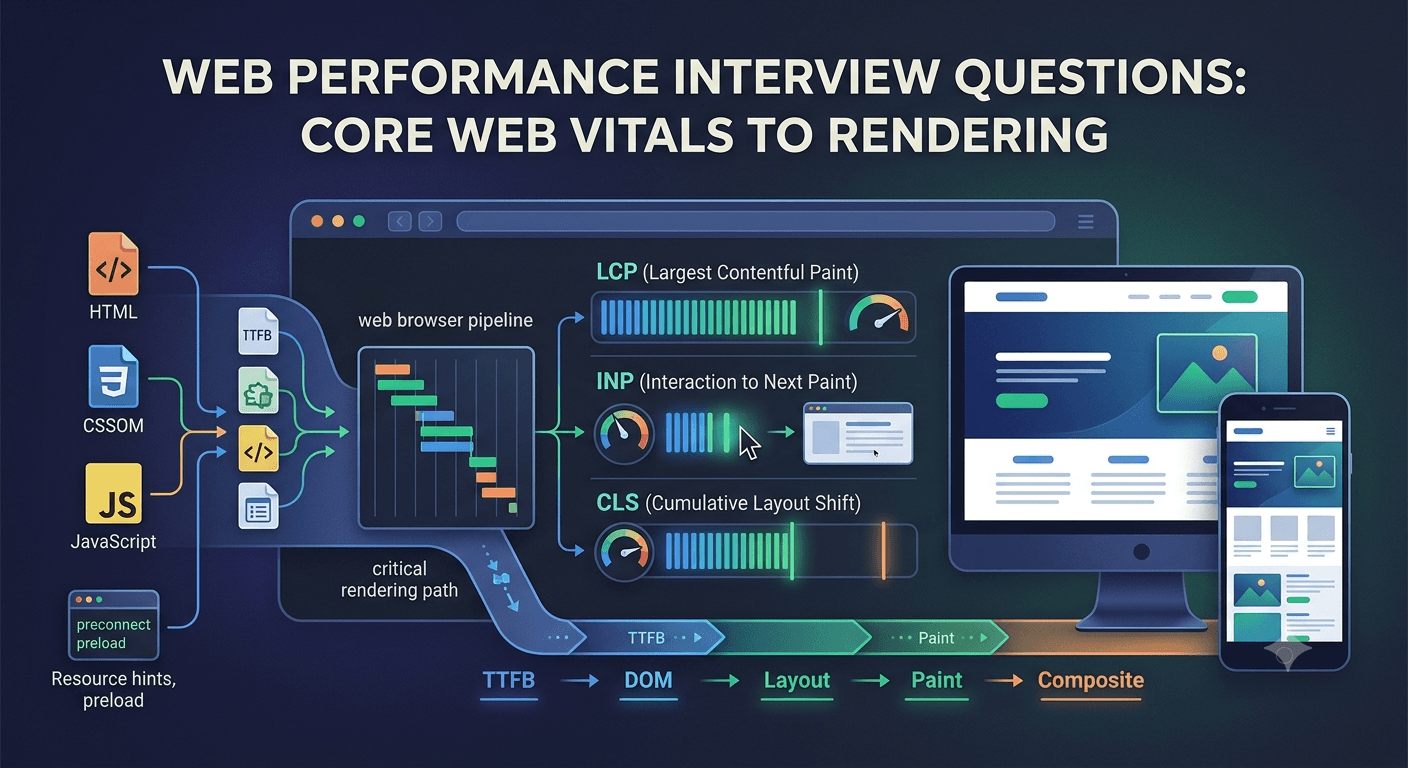
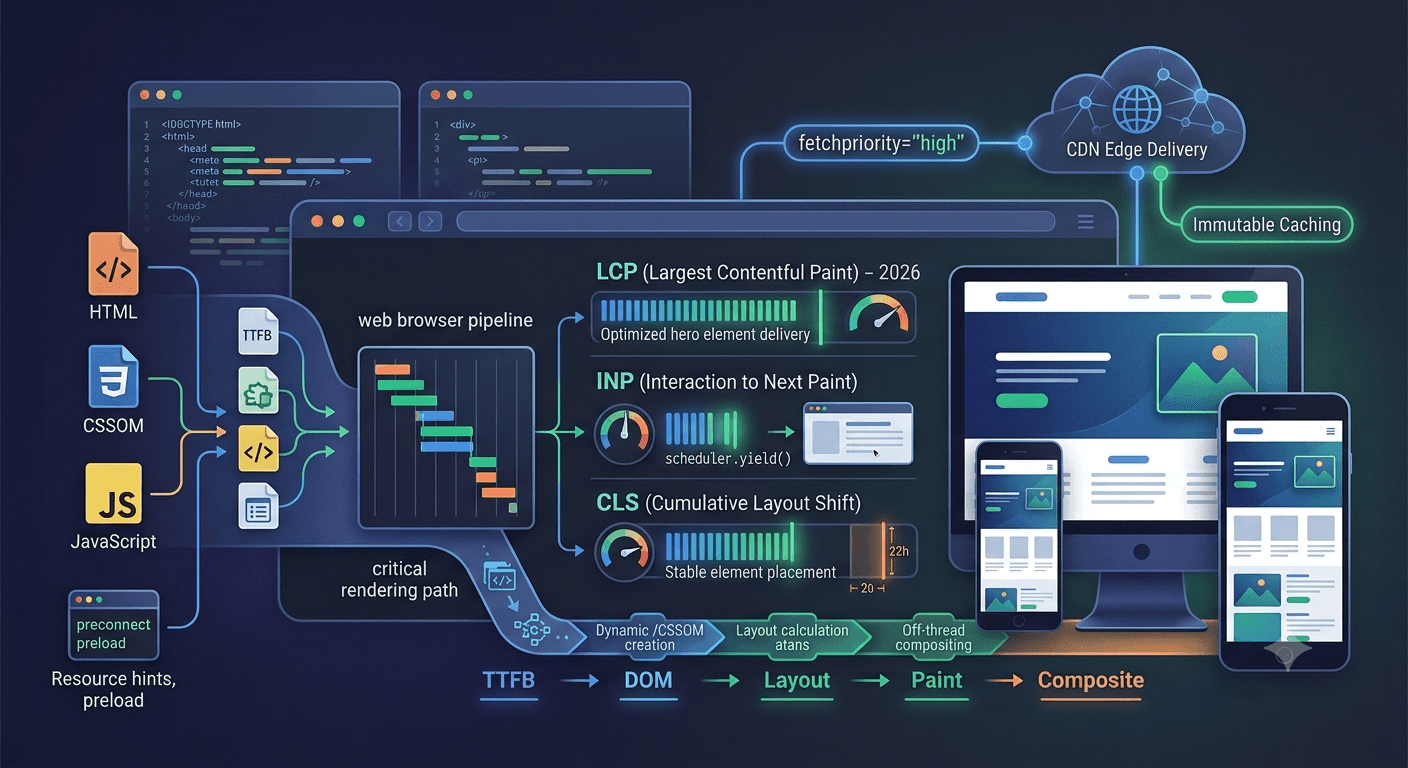
With the shift to INP (Interaction to Next Paint) as a core metric alongside LCP (Largest Contentful Paint) and CLS (Cumulative Layout Shift), performance optimization is no longer just about shrinking JavaScript bundles. It requires a holistic understanding of the browser's critical rendering path, execution costs, and modern loading strategies.
Here is an architectural guide to the best practices for frontend optimization today.
1. Optimizing for Core Web Vitals
LCP (Largest Contentful Paint) ≤ 2.5s
LCP measures perceived loading speed. The goal is to get the main content element (hero image, banner, or headline text) rendered as fast as possible.
- Priority Hints: Use
fetchpriority="high"on your primary LCP element (e.g., hero image) so the browser discovers and fetches it early in the waterfall. - Preloading Critical Assets: Preload critical fonts or key hero images using
<link rel="preload">. Avoid preloading non-critical resources, as this creates network congestion. - Modern Image Formats: Serve AVIF or WebP images with responsive
srcsetandsizesattributes to deliver compressed, display-accurate bytes. - Eliminate Render-Blocking Resources: Defer non-critical CSS and JavaScript. Ensure HTML streaming or SSR delivers early paintable markup.
INP (Interaction to Next Paint) ≤ 200ms
INP measures page responsiveness across all user interactions (clicks, taps, keyboard inputs). Unlike TBT (Total Blocking Time), which is a lab metric, INP tracks real-world field experience.
- Break Up Long Tasks (>50ms): Use
requestIdleCallback(),setTimeout(), or the nativescheduler.yield()API to yield control back to the main thread during heavy JavaScript processing. - Optimize Event Handlers: Keep event listeners lean. Do not perform heavy computations, large state updates, or DOM modifications inside urgent event callbacks.
- Avoid Layout Thrashing: Never interleave DOM reads (e.g.,
element.offsetHeight) and DOM writes within the same frame loop, as this forces immediate, synchronous layout recalculations.
CLS (Cumulative Layout Shift) ≤ 0.1
CLS measures visual stability. Unexpected layout shifts disrupt user reading flows and cause accidental taps.
- Explicit Dimensions: Always set
widthandheightattributes (or CSSaspect-ratio) on<img>,<iframe>, and video elements to allow the browser to reserve space before assets download. - Reserve Space for Dynamic UI: For ads, late-loading banners, or client-rendered widgets, use skeleton screens or pre-allocated layout containers.
- Font Display Strategy: Use
font-display: swappaired with metric overrides (size-adjust,ascent-override,descent-override) to prevent FOIT/FOUT layout shifts when custom web fonts swap in.
2. JavaScript Execution & Architectural Optimization
JavaScript remains the most expensive resource on the web because it must be downloaded, parsed, compiled, and executed on a single main thread.
More on this coming in a follow-up post.